Using Design Systems When Building with AI
A practical look at how to do it in Claude. Skills, Figma MCP, Claude Design, what works, what to watch out for, and where it still falls short.

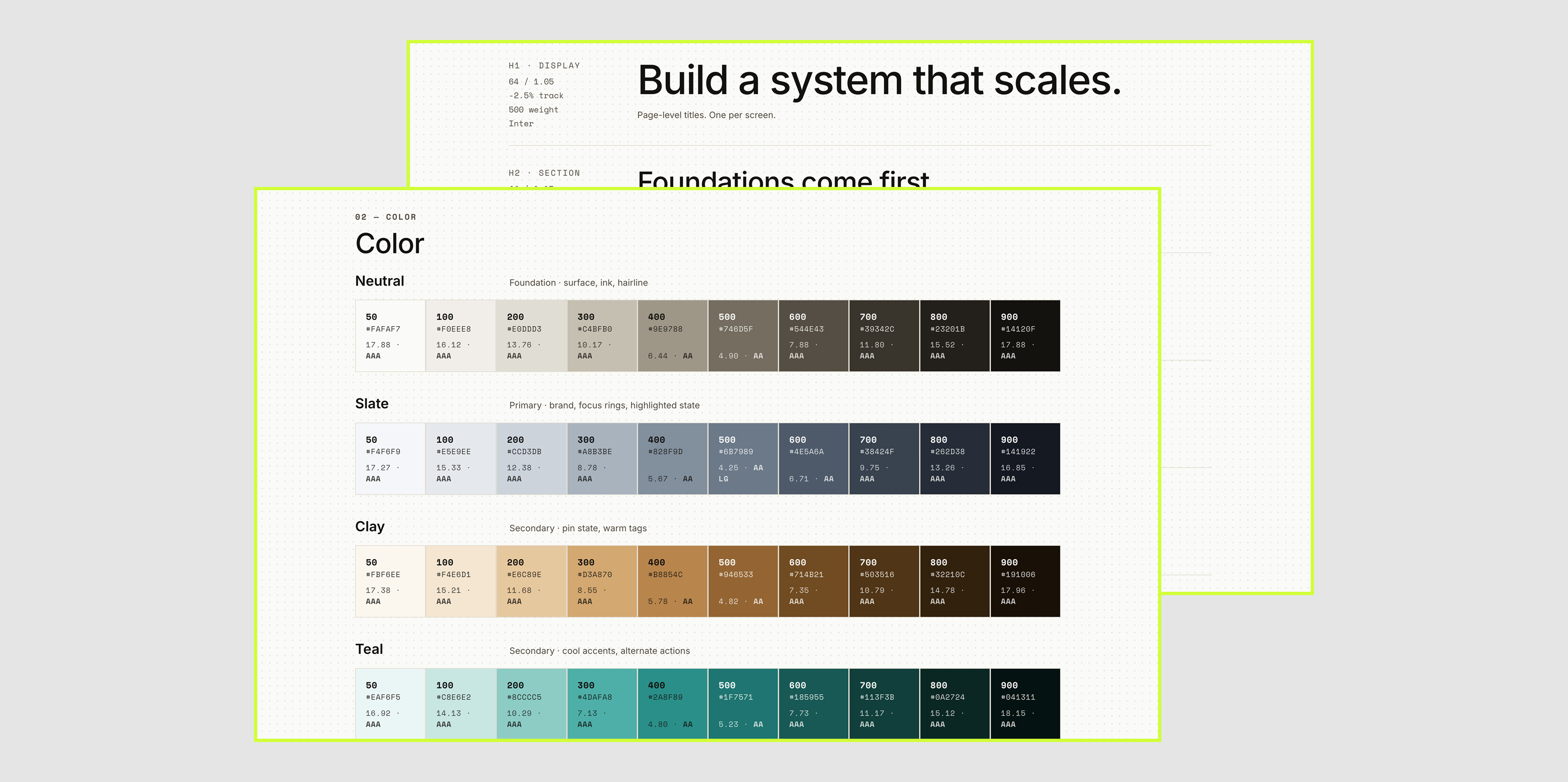
The most important part of using AI to design and build is making it look intentional, using your branding direction, and staying away from random AI aesthetics.
So what works today and what doesn’t?
Quick Clarification: Style Guide vs Design System
These two get used interchangeably and they’re not the same thing.
Style guide: defines how a brand should look and feel. It usually covers things like color, typography, logo usage, imagery, iconography, tone of voice, and brand principles.
Design system: the operational layer that helps you/teams apply those standards consistently in real products. It includes design tokens, reusable components, interaction patterns, accessibility rules, documentation, and often coded libraries shared by designers and developers.
In simple terms:
Style guides explain the brand.
Design systems help teams build with it at scale.
A style guide can be part of a design system, but a design system goes further by connecting design decisions to actual product implementation, maintenance, and governance.
This matters for AI work. Most tools that help you generate design systems today produce the visual layer: tokens, components, type scale. The operational layer is still on you. Shared code libraries, accessibility patterns, team governance. Knowing the difference shapes what you can expect from the output, and what you'll need to build on top of it.